Dotfiles
My terminal setup: one Ghostty window, many tmux sessions, customized Neovim, and window tabs that change color with each Claude agent’s status. Built for working with coding agents and for touching the mouse as little as possible.
· 4 min read
Why I Love the Terminal (neovim btw) #
When I took CS106B, my professor Sean said something that stuck with me: if you stop using the mouse today, you could shave entire MINUTES off your life by the end of it. I certainly embraced that idea. When I started to run multiple parallel sessions of Claude Code or Codex, I quickly realized that the CLI versions were the best option to keep them as lightweight as possible (future writing idea: my crusade against Electron apps). Once I was there, tmux proved to be very useful at keeping many terminal windows inside 1 durable session. That pushed me to Neovim because if the future of software engineering means agents write most of the code, I wanted to get better at reading it: inspecting the codebase, stepping through diffs, and approving PRs. After an admittedly long amount of time spent tinkering, I’m satisfied with my terminal setup. A public version of my dotfiles is now on GitHub.
THE SETUP: Everything runs in a single Ghostty window. Inside it, I keep about 3-7 tmux sessions, one per project, each with 4-6 windows. Tmux-resurrect and continuum keep the sessions even through a reboot. The configs live in one repo and are symlinked into place with GNU Stow, and the Kanagawa Wave theme runs through the terminal, tmux, Neovim, lazygit (a git UI), and yazi (a file manager).
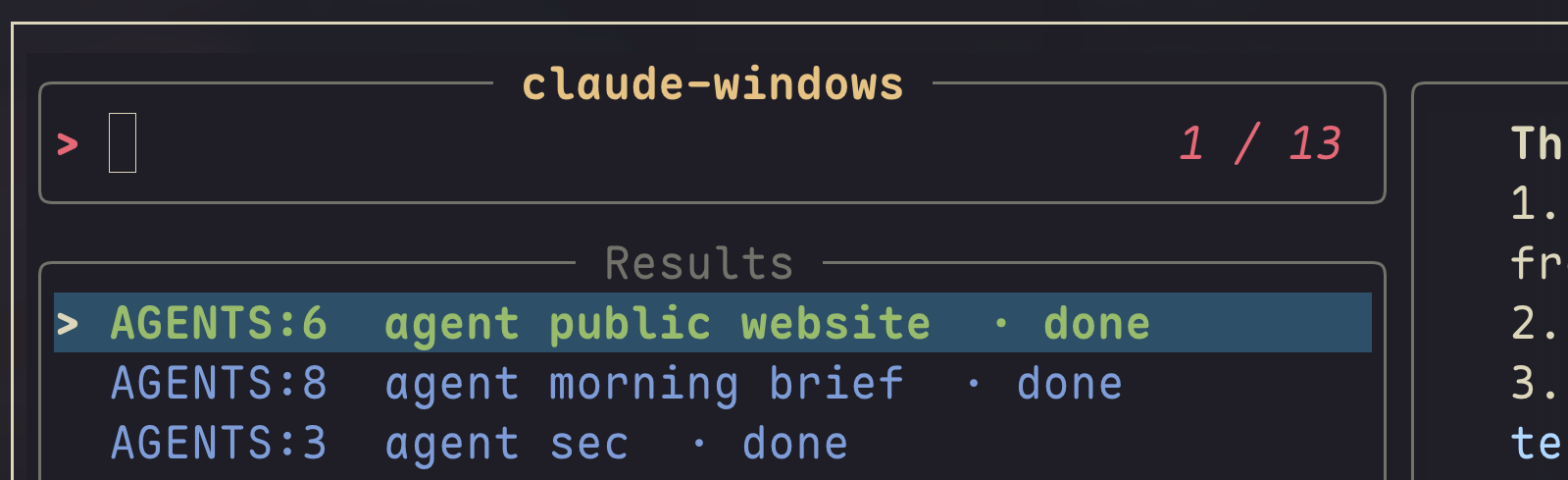
MONITORING AGENTS: My favorite part of the setup is that the terminal tells me what every agent is doing without me checking. Claude Code fires hooks as a session changes state, and a small script writes that state onto the tmux window, which renders its tab as a colored pill: red means an agent is waiting on my input, yellow means it is working, green means it finished. When an agent in a hidden window needs me, a macOS banner shows the start of its last reply. Since the status bar only shows one session at a time, a keybinding opens a popup selector that lists only the Claude windows across all sessions, sorted so the ones waiting on input come first, with a live preview of each pane.
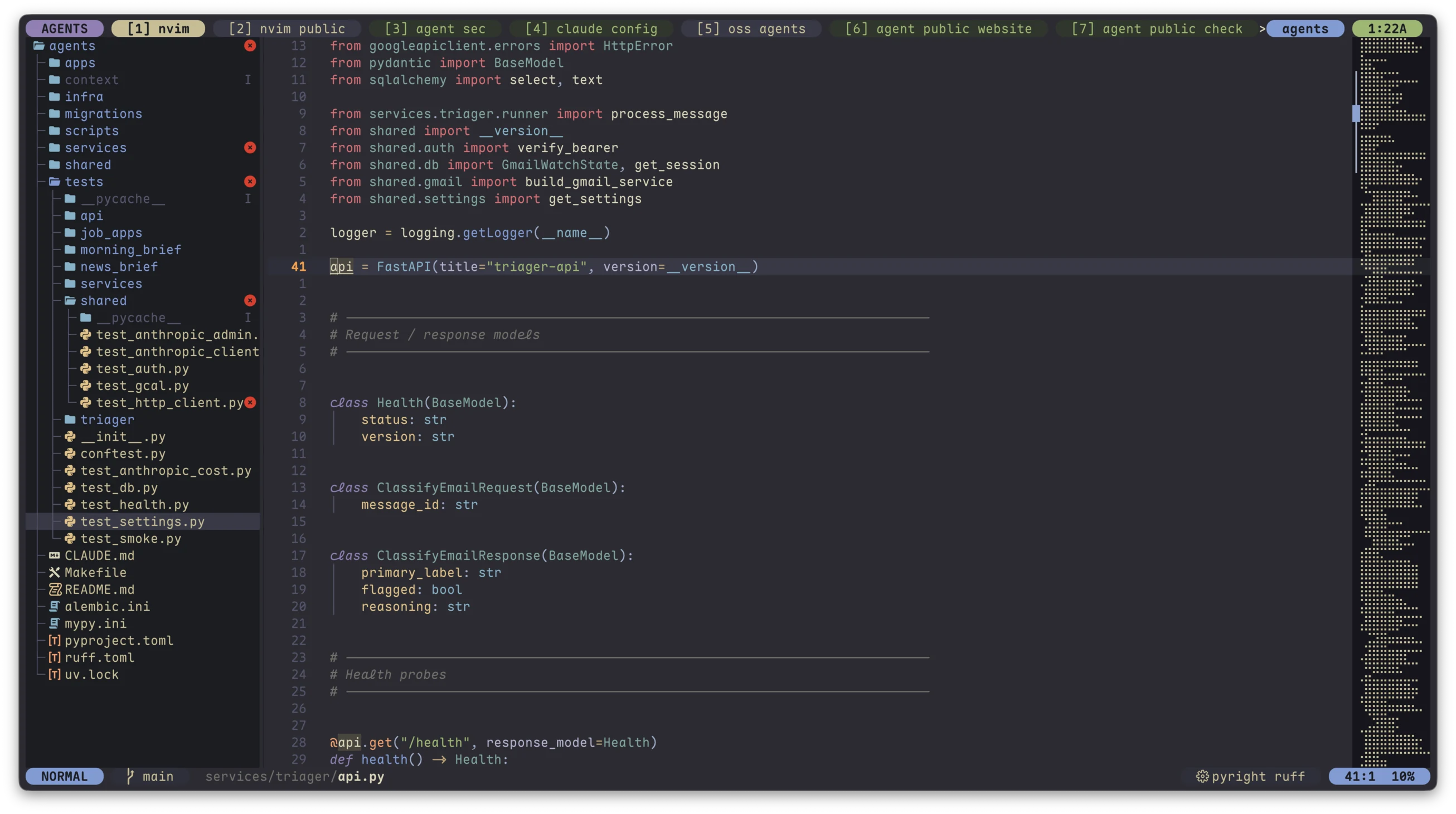
THE EDITOR: My Neovim config started from LazyVim, and the interesting parts are where I diverged. I added a PR review flow that fetches a PR into a temporary local ref and opens it in Diffview, so I can read an agent’s proposed changes side by side without touching my own working copy. I removed the tab bar, file tree, animations, and gray inline autocomplete text. The statusline is a small custom one that matches the tmux bar. I also used yazi as a popup with quite a few customizations that make it look like my preferred macOS Finder column view.
THE MOUSE: Caps Lock is remapped so holding it is Control and tapping it is Escape. My window tiling manager, AeroSpace, moves focus with the keyboard and then warps the cursor to the focused window, so I never reach for the mouse to find my place. Tmux-thumbs copies any path or URL on screen with two keystrokes, and Ghostty hides the pointer while I type.
THE FUTURE: As agents and their harnesses continue to improve, it seems to me that GUIs will be more of a hindrance to them and to us. Working in the terminal allows me to monitor and interact with far more agents at once, while still being able to dive into the code and review PRs. And the newest features of Claude Code are usually released on the CLI first. I love the idea of being able to quickly tweak my own setup so I can get the most out of the latest AI agent.
Code #
GitHub Repo: dotfiles-public